Cracked Laptop Screen or Unresponsive Keys? Here’s What to Do First!
Cracked Laptop Screen or Unresponsive Keys? Practical Steps to Take Before You Panic!
A moment of distraction—closing your laptop lid over a pen left on the keyboard, or an accidental drop—can lead to every computer user's worst nightmare: colorful vertical lines and black, ink-like spots spreading across the screen. Or perhaps you are rushing to meet a deadline when you suddenly realize several keys on your keyboard have stopped working altogether.
Before assuming your laptop is ruined and all your data is lost, take a deep breath. Here are the emergency recovery steps you can do at home when your screen or keyboard fails, along with critical mistakes to avoid:
1. What to Do Immediately If Your Laptop Screen Breaks
If your screen is cracked, flickering, or completely black, remember that your personal data (photos, documents, projects) stored on the hard drive is completely safe; only the display unit is damaged.
Step 1: Connect to an External Monitor or TV (Emergency Data Recovery)
To finish urgent work or back up your files, you can use a television or external monitor at home:
-
Connect your laptop to your TV or monitor using an HDMI cable.
-
If the image doesn't appear automatically, press the Windows Key + P on your keyboard, press the down arrow key once, and hit Enter (or use the Fn + display switch key).
-
You can now use your laptop normally through the TV screen and back up your important files to a USB drive.
Step 2: Never Press on the Cracked Area!
One of the most common mistakes is pressing on the black "ink" spots or lines hoping they will go away. Applying pressure forces the liquid crystals inside the LCD/LED panel to bleed even further. Additionally, broken glass layers can puncture the delicate backlight system or damage internal cables.
Step 3: Avoid Opening and Closing the Lid
A damaged screen panel is under internal structural tension. Every time you move the lid, the crack can expand and black out the remaining visible parts of your display.
2. What Can You Do If Keyboard Keys Stop Working?
If certain keys suddenly stop responding or type double letters, you can use these quick workarounds:
-
Workaround 1 – Turn On the On-Screen Keyboard: Need to type an urgent password or message? Use your mouse to type "On-Screen Keyboard" into the Windows search bar and click it (Shortcut: Windows + Ctrl + O). You can click the keys directly with your mouse.
-
Workaround 2 – Plug in an External USB Keyboard: Connecting any standard desktop USB keyboard allows you to keep working without interruption.
-
Cleaning Underneath the Keys: If dust or crumbs are blocking a key, turn off the laptop and gently clean between the keys using a soft brush or compressed air.
Important Warning: Avoid prying off individual keycaps unless you know the exact mechanism, as the tiny plastic scissor clips underneath break easily. Also, if liquid was spilled on the keyboard, never use a hairdryer—the heat will warp the plastic keys and push liquid deeper toward the motherboard.
When Should You Seek Professional Repair?
While an external monitor or on-screen keyboard helps in an emergency, restoring your laptop's portability requires a permanent fix.
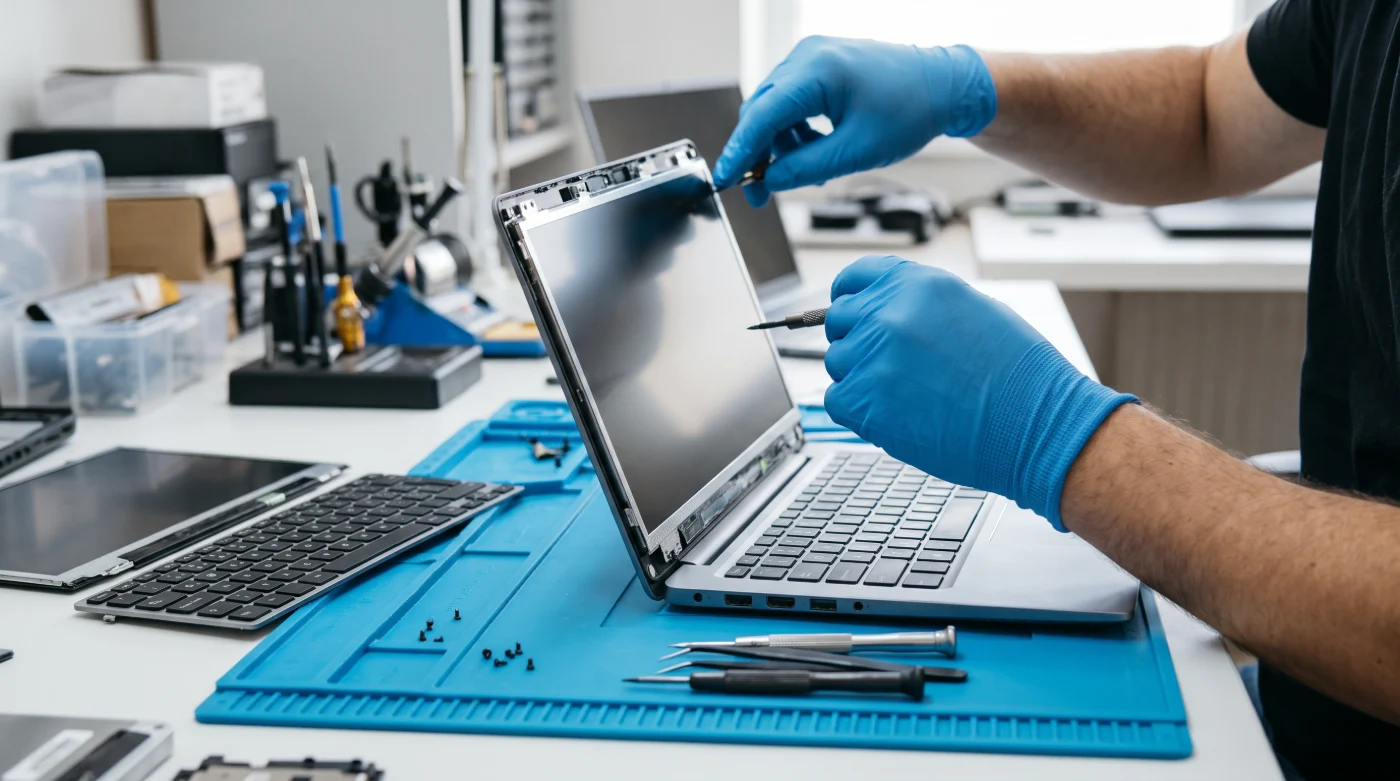
Technologically, cracked or bleeding LCD/LED panels cannot be repaired—they must be replaced with a new panel matching your laptop's exact resolution and refresh rate. Similarly, keyboards damaged by liquid oxidation or torn ribbon cables require a complete keyboard replacement for reliable, long-term use.
If you are in Alanya and don't want to leave your device at a repair shop for days, Alanya Net Bilgisayar in the Şekerhane Neighborhood is here to help. Without deleting any of your personal data, we provide same-day screen and keyboard replacements using guaranteed original and A+ quality parts.